How to Create Images from a Kurdish Description — Styles, Editing and Reuse (2026)
A practical guide to Images in mazdek AI: describe a picture in Kurmancî, Soranî, Kirmanckî or another language, choose from 15 styles including kilim, miniature and Newroz, change it by describing the change, and reuse it in AI Video, songs or as your profile photo — plus the Standard and Premium tiers and the credits they use.
Ask an image generator for "a grandmother baking bread on the saj" and you usually get a generic kitchen somewhere — the wrong bread, the wrong clothes, and a model that did not understand a word if you wrote it in Kurdish.
Images in mazdek AI starts from the other end. You describe the picture in Kurmancî, Soranî, Kirmanckî or any other language, pick a style — including styles drawn from Kurdish culture — and get the image in seconds. Then you change it by describing the change, keep it in your library and use it in a video, a song or as your profile photo. This guide shows how it works and what you decide yourself.
What you need
| You bring | Required? | Notes |
|---|---|---|
| A description | yes | One sentence is enough, in Kurdish or another language — or start from one of the examples |
| Credits | For both tiers | Standard and Premium images are both paid from your credits; Standard costs fewer credits |
| Your own photos | no | Optional: up to four reference images to guide the look (photos showing a face cannot be used) |
Image creation is for adults (18+). It runs on the web and in the iOS and Android apps.
Step by step
- Describe the picture. Open Images and write what you want to see, the way you would tell a friend: who or what, where, the time of day and the mood. "A grandmother baking thin flatbread on a saj in a village courtyard, her granddaughter beside her; morning light."
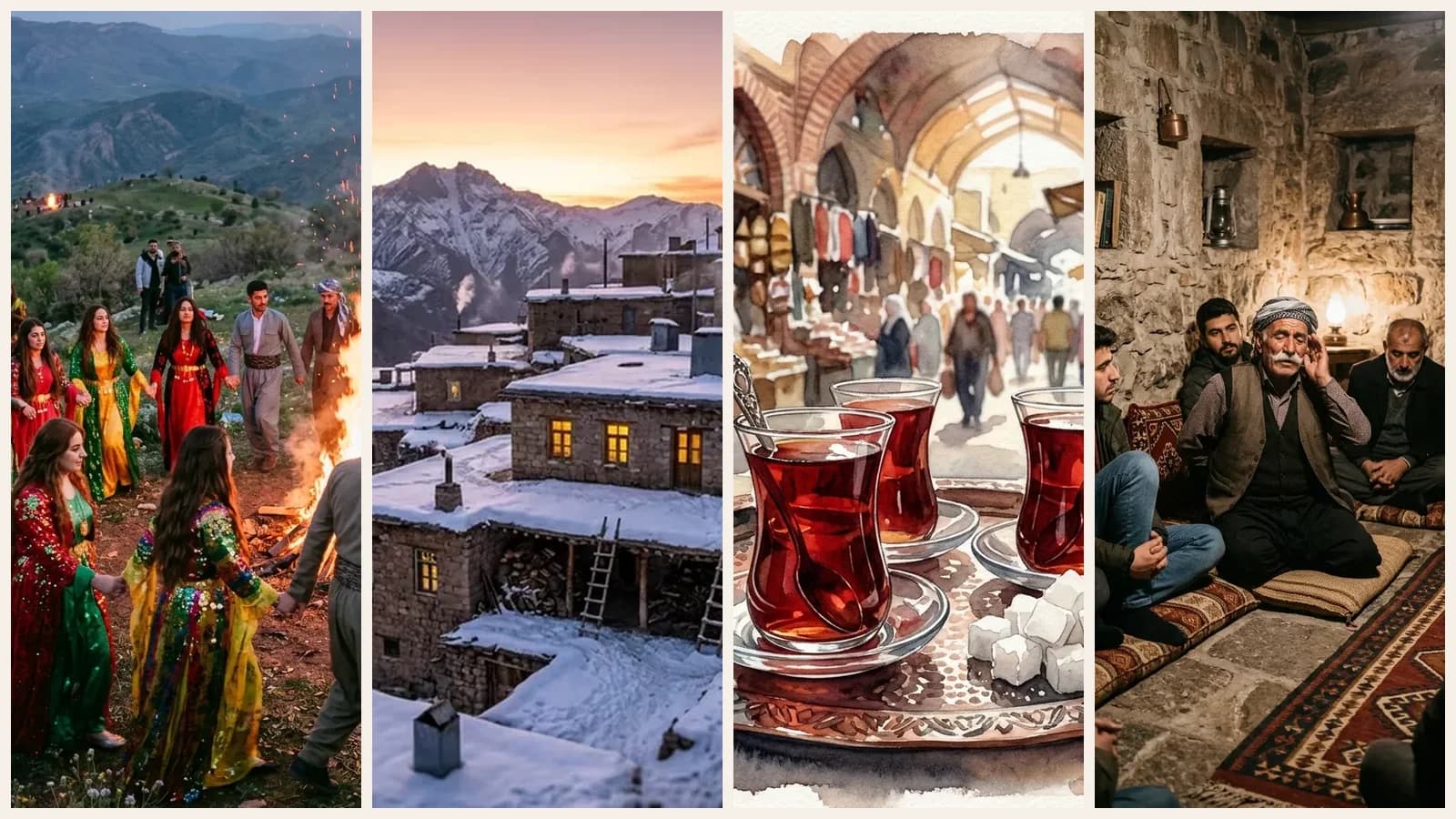
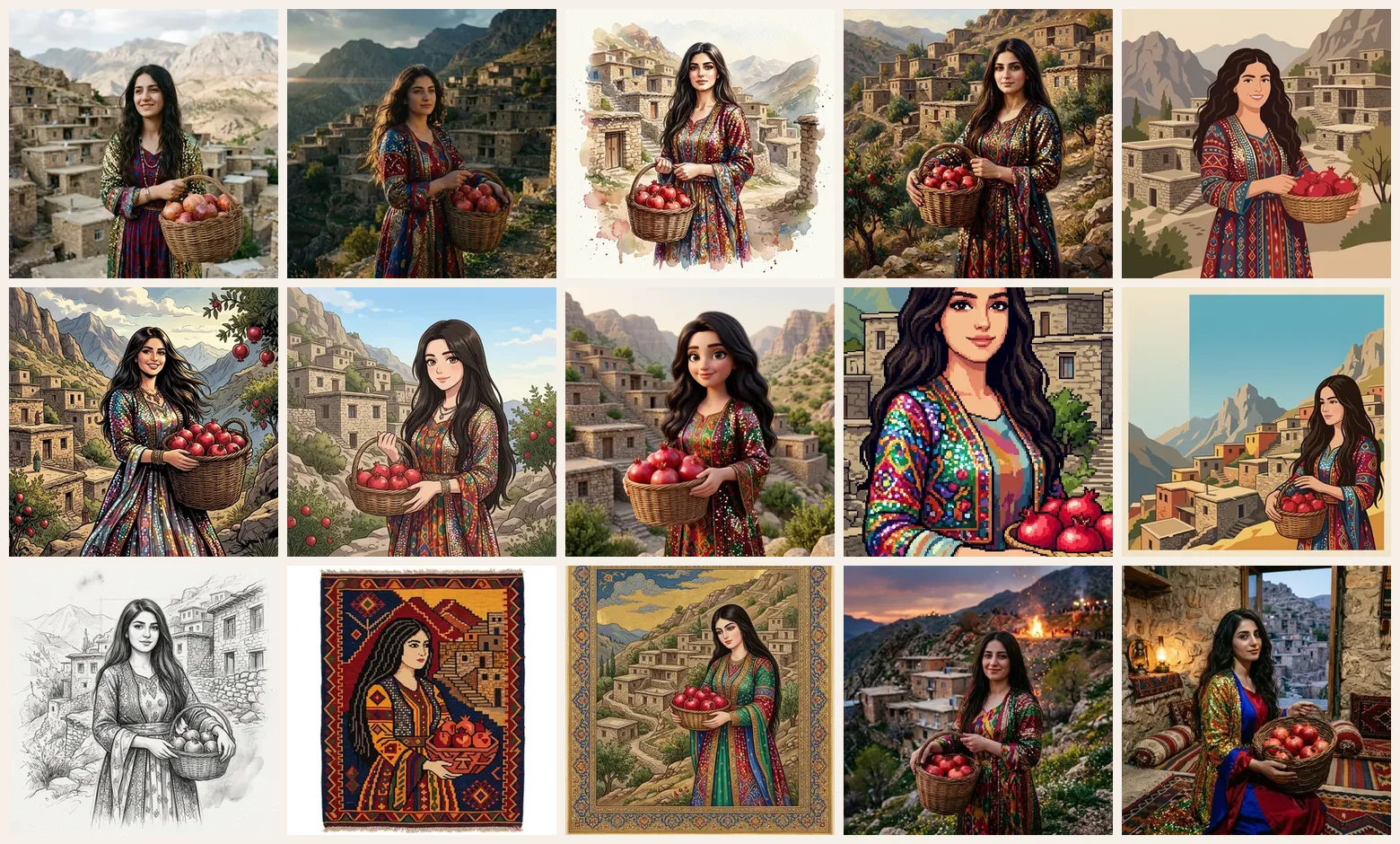
- Choose a style. Photo, cinematic, watercolour, oil painting, illustration, comic, anime, 3D, pixel art, poster or pencil sketch — or one of the Kurdish culture styles: kilim, miniature, Newroz and the dengbêj room.
- Choose the tier, shape and count. Standard uses credits too, fewer than Premium (one 1K image per request); Premium uses more credits and offers 1K or the sharper 2K and one or two images. Then square, portrait, story (vertical), landscape or wide. The button shows what it costs before you press it.
- Enrich — or don't. Enrich turns a short idea into a detailed scene. Leave it off when you want exactly what you wrote. Either way, the description that was actually used is shown with the image.
- Create. The images appear in your library as they are drawn — usually within half a minute.
- Open an image to download it, edit it, make a variation, use it as a reference or share it.
Change it by describing the change
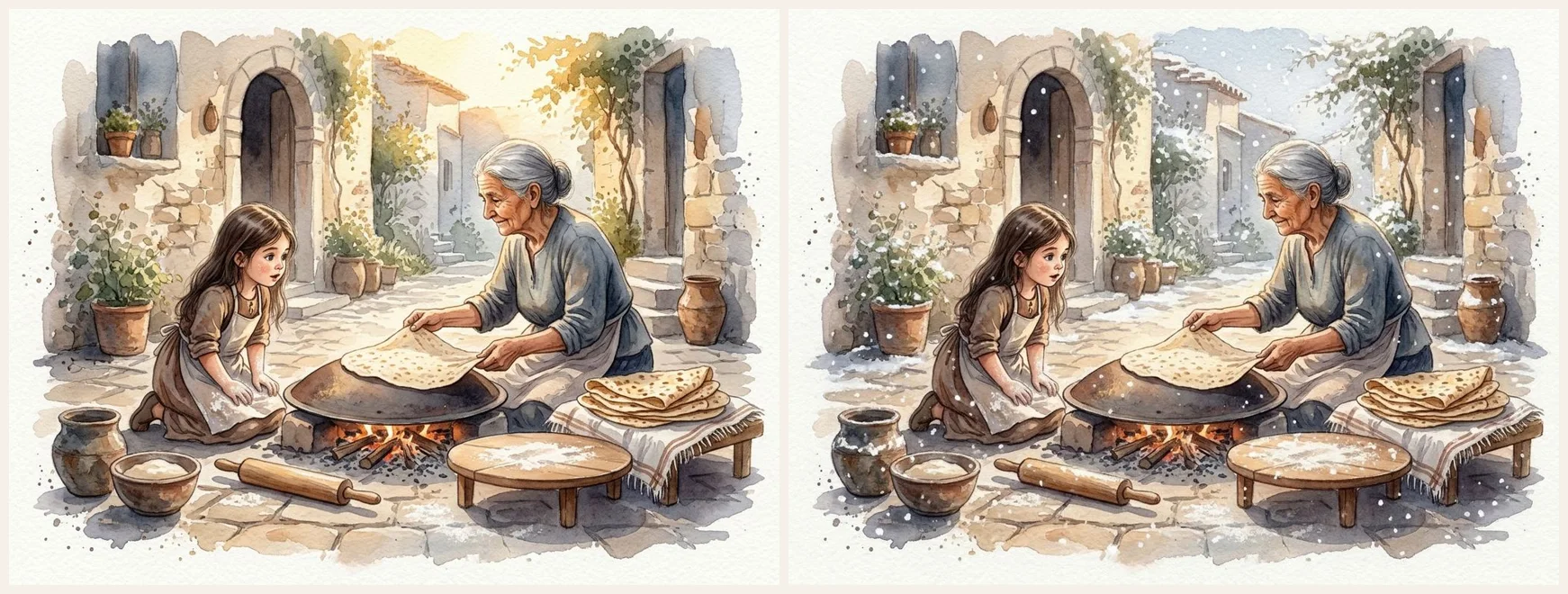
You rarely need to start over. Press Edit, write what should be different — "make it snow", "a red dress instead of a blue one", "add a dog by the door" — and the image is redrawn with that change while the rest stays as it was. Every edit is kept as a new version next to the original, so you can always go back.
Variation makes a new image from the same request when you like the idea but not the composition. Reference images — up to four, from your library or your own photos — steer the colours, the clothing or the setting.
Made to look Kurdish
General image models fill the gaps with whatever they have seen most. A few habits make a big difference:
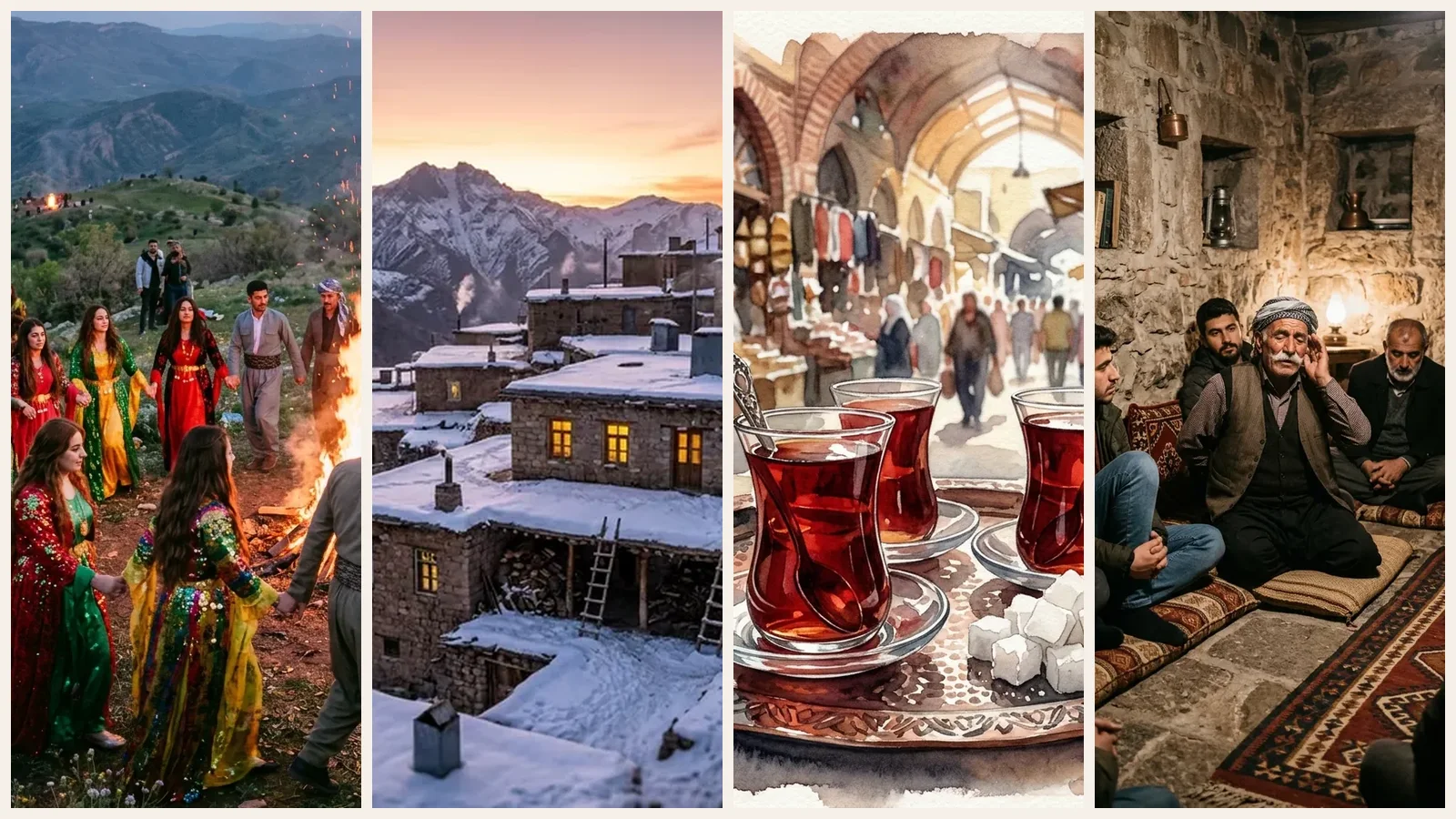
- Name the place. "A stone village in Hewraman", "the old bazaar in Hewlêr", "below the citadel of Amed" give the image something specific to draw.
- Say when it happens. Dawn, dusk, a snowy evening, spring on the summer pasture — light changes everything.
- Say who is there and what they are doing. One clear action per image works better than a list.
- Use the culture styles — kilim, miniature, Newroz, dengbêj room — when you want the look itself to be Kurdish, not only the subject.
Keep, share and reuse
Every image stays in My library. Images are private until you share them: by a link, or publicly in Discover, where others can like and save them. From the library an image can become a reference frame in AI Video, the inspiration for a song, or your profile photo.
Standard or Premium
| Standard | Premium | |
|---|---|---|
| Price | Credits, fewer than Premium | Paid from your credits |
| Daily limit | Yes | no |
| Resolution | 1K | 1K or 2K |
| Images per request | 1 | 1 or 2 |
| Available | Except overnight (22:00–03:00 UTC) | Any time |
| Text inside the image | Less reliable | Best |
Standard uses credits too, fewer than Premium, and has a daily limit. Requests wait in a queue: you see your place and an estimated wait, you can cancel while you wait, and a notification arrives when the image is ready. Overnight you can choose ready by morning, and the image is made when the queue opens again. If the wait runs too long, the request is cancelled and no credits are taken.
Premium is paid from your credits: at the time of writing (November 2026) an image costs 17 credits in 1K and 25 credits in 2K; two images cost twice as much. The total is shown on the button, set aside when you start, and you are only charged for images that are delivered. Choose Premium when the picture needs readable text — a sign, a poster title.
The Images screen always shows the current options and prices.
What it does not do
- No images of real, identifiable people. Such requests are refused at no cost, and uploaded photos that show a face cannot be used as a reference.
- No sexual content. Refused at no cost as well.
- Not unlabelled. Every image is marked as AI-generated in its file metadata.
- Not in the developer API — for now it is an app feature on the web, iOS and Android.
Try it
Open Images, tap one of the examples or write your own sentence in Kurdish, and look at the description that was used next to the result. You can also see how it works on the image generator page first.
Frequently asked questions
- Can I write the description in Kurdish?
- Yes. Write it in Kurmancî, Soranî or Kirmanckî (Zazakî), or in another language such as Turkish, Arabic, Persian, English or German.
- What does an image cost?
- Standard images are paid from your credits too, with fewer credits than Premium, one 1K image per request with a daily limit, and closed overnight. Premium images are paid from your credits: at the time of writing 17 credits in 1K and 25 credits in 2K. The cost is shown before you create, and you are not charged for an image that cannot be made.
- Why do I have to wait for a Standard image?
- Standard requests are made one after another in a queue. You see your place and an estimated wait, can cancel while waiting, and get a notification when the image is ready. If the wait runs too long, the request is cancelled and no credits are taken.
- Can I change an image after it is made?
- Yes. Press Edit and describe the change; the image is redrawn with it and kept as a new version next to the original. Variation makes a new image from the same request.
- Can I create images of real people?
- No. Requests for images of real, identifiable people are refused at no cost, and uploaded photos that show a face cannot be used as a reference.
- Are my images public?
- No. They stay private in your library until you share them by link or publish them in Discover.
- Are the images labelled as AI-generated?
- Yes. Every image is marked as AI-generated in its file metadata. Image creation is for adults (18+) on the web and in the iOS and Android apps.
Related articles
How to Make Sound Effects from a Sentence in Kurdish (2026)
A practical guide to Sound effects in mazdek AI: describe a sound in Kurmancî, Soranî or Kirmanckî, get up to four versions in seconds, loop them, and use a ready-made library with daf, zurna and the Newroz fire — plus how to write descriptions that work and what the licence allows.
- #sound-effects
- #audio
- #video-editing
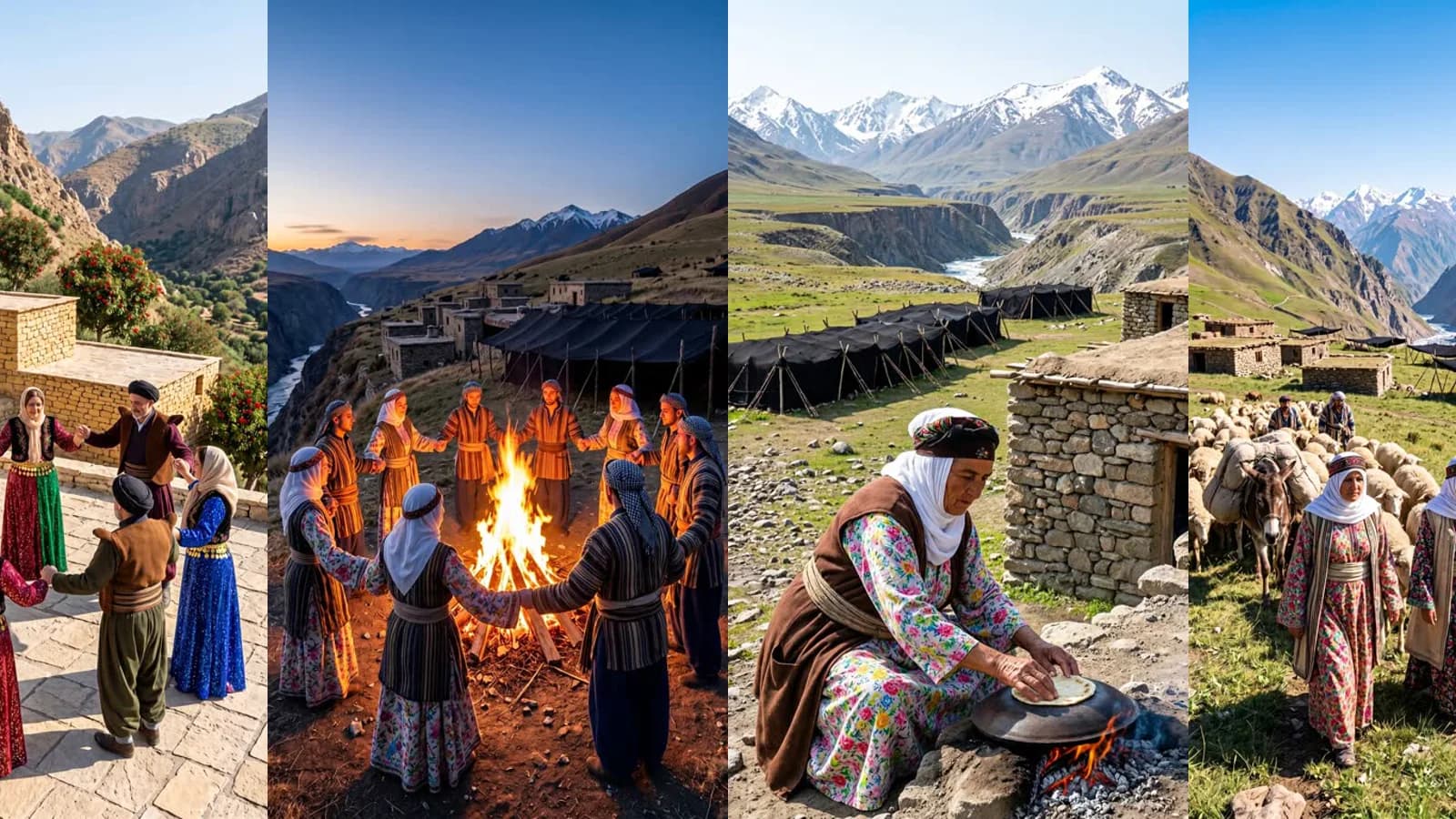
How to Make a Kurdish AI Video from a Topic — Script, Storyboard, Kurdish Narration (2026)
A practical guide to AI Video in mazdek AI: write a topic in Kurdish, approve a scene-by-scene script and storyboard, choose a Kurdish region, and get a short video with Kurmancî, Soranî or Kirmanckî narration and subtitles — plus what each quality tier costs.
- #ai-video
- #text-to-video
- #short-video
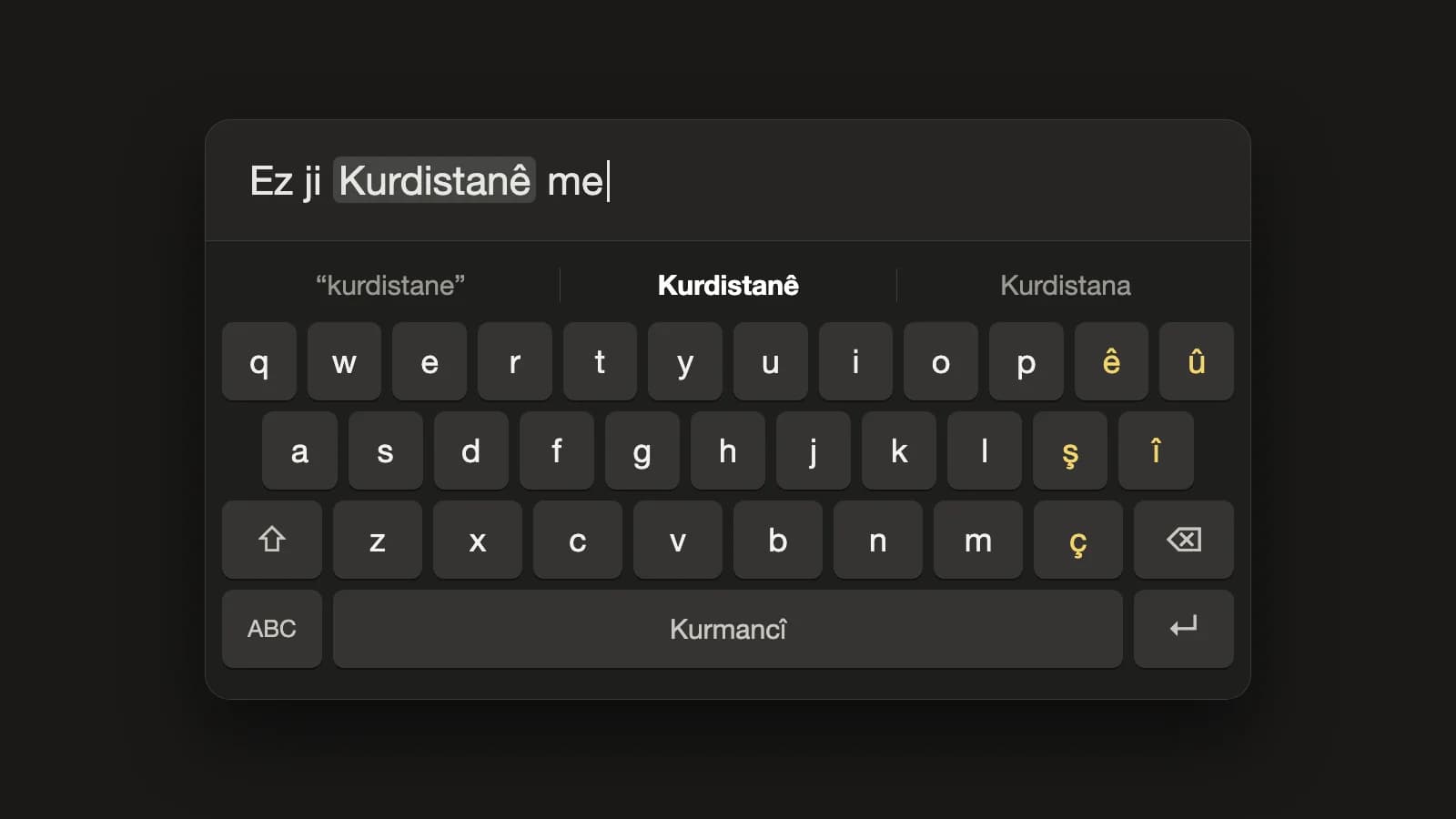
mazdek AI Keyboard: a Kurdish keyboard for iPhone and Android that adds the missing letters for you
A Kurdish system keyboard is now part of the mazdek AI app. Kurmancî, Soranî and Kirmanckî layouts, word suggestions, and autocorrect that turns “kurdistane” into “Kurdistanê” — in WhatsApp, Instagram, Telegram and every other app. Everything runs on the phone; nothing you type leaves it.
- #kurdish-keyboard
- #kurmanci
- #sorani