How to Make a Kurdish AI Video from a Topic — Script, Storyboard, Kurdish Narration (2026)
A practical guide to AI Video in mazdek AI: write a topic in Kurdish, approve a scene-by-scene script and storyboard, choose a Kurdish region, and get a short video with Kurmancî, Soranî or Kirmanckî narration and subtitles — plus what each quality tier costs.
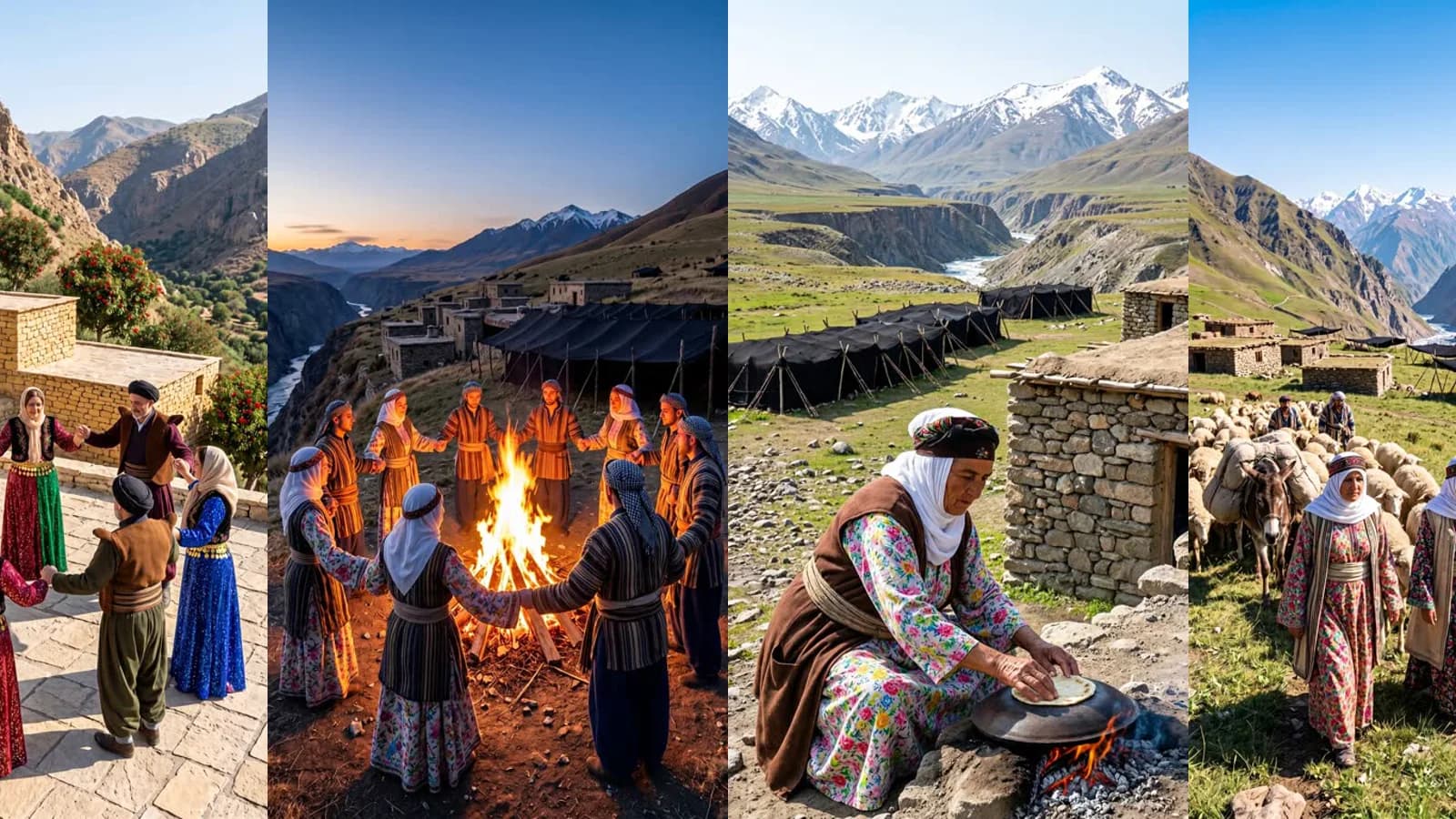
Text-to-video tools learned to make a city street, a beach or an office in a few seconds. Ask one of them for a Newroz fire in a mountain village, a wedding in Hewraman or a grandmother baking bread on the saj, and you get a "generic Middle East" — the wrong houses, the wrong clothes, the wrong dance — and a narrator who cannot say a single word of Kurdish.
AI Video in mazdek AI was built for exactly that gap. You write a topic in Kurdish; it writes the script, draws every scene for you to approve, animates them and puts Kurdish narration and subtitles on top. This guide shows how it works, what you decide yourself and what a video costs.
What you need
| You bring | Required? | Notes |
|---|---|---|
| A topic | yes | A sentence or a short text, in Kurmancî, Soranî or Kirmanckî — or start from one of the examples |
| Extra credit | yes | AI Video is paid from purchased extra credit, not from your plan's monthly credit |
| Your own photos | no | Optional: up to five reference images per video to guide the look |
| A camera, actors, a voice-over artist | no | None |
AI Video is for adults (18+). It runs on the web and in the iOS and Android apps.
Step by step
- Write what the video is about. Open AI Video in the menu and describe it the way you would to a friend: "At dawn a grandmother bakes thin bread on the saj and tells her granddaughter an old story." The more concrete the places, objects and time of day, the more specific the scenes.
- Choose the settings. Narration language (Kurmancî, Soranî or Kirmanckî), length (15 to 60 seconds), quality, and the aspect ratio — vertical 9:16 for TikTok, Reels and Shorts, landscape 16:9 or square 1:1.
- Pick a region — or let the topic decide. Hewraman, Behdînan, Soran, Botan, Amed, Rojava, Rojhilat or Dêrsim. The region sets the landscape, the architecture and the clothing. If you leave it empty and your topic names a place ("an evening in Amed"), that place is used.
- Write the script. In about half a minute the topic becomes a list of scenes. Each scene has its narration line, a camera movement (push in, pull out, pan, static, follow) and who speaks: an off-screen narrator or a person in the scene talking to the camera. Edit any line; nothing has been filmed yet.
- Draw the scenes. Every scene is drawn as a storyboard frame. This is the moment to be picky: redraw a frame, remove a scene, drag scenes into a new order, or add reference images from the library or your own photos.
- Create. The total is shown before you confirm and reserved from your extra credit. All scenes are animated at the same time from the frames you approved, then voiced, subtitled and edited together. You can close the page; a notification arrives when the video is ready.
- Download or keep editing. Download the MP4, or open it in Klîp to trim it, restyle the captions or add your logo.
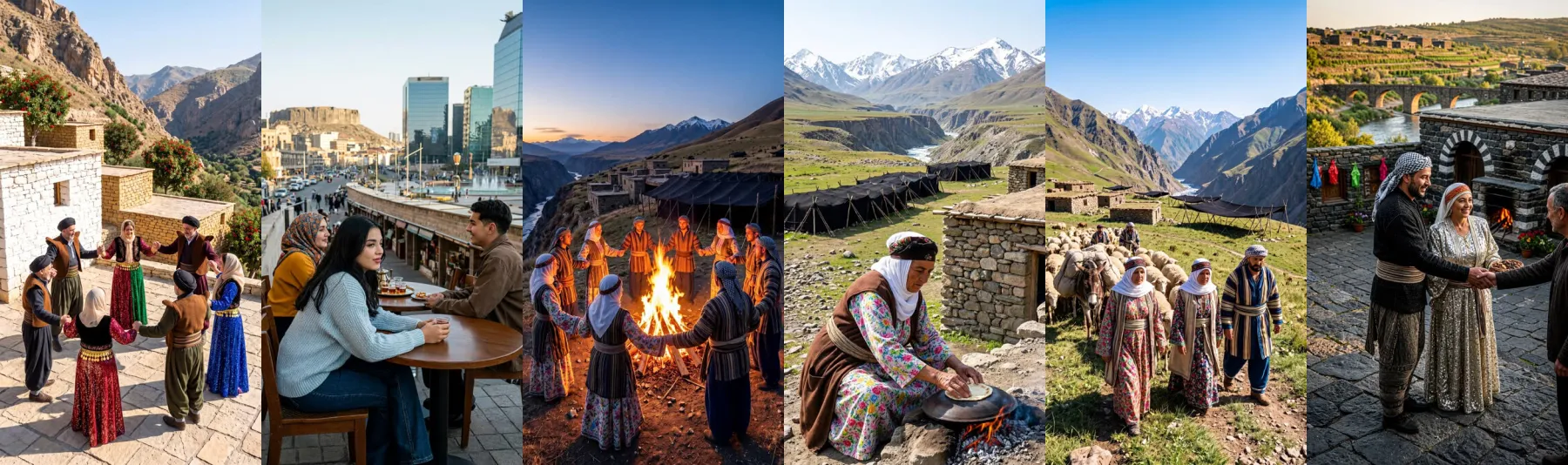
Why the storyboard comes first
Animating a scene is the expensive part — in time and in credit. Drawing a still frame is cheap and takes seconds. So AI Video splits the work: you see and approve a frame for every scene before any video is made. A narrated scene starts from that exact frame; a scene where a person speaks to the camera uses it as the reference for the person and the place. A frame that looks wrong costs you a redraw, not a whole video.
It also keeps the result consistent. The person you approved in scene one is the person who moves in scene one; the stone village you approved is the village the camera pushes into.
Made to look Kurdish
Generic models fill the gaps with whatever they have seen most. Each region in AI Video carries its own description of the place — terraced stone houses in Hewraman, the black-basalt old city of Amed, the high summer pastures of Botan — and a library of reference images we curated by hand is applied to the storyboard frames. When a frame still does not look right, redraw it or add a reference image yourself; every scene has a few redraws.
A few habits make a big difference:
- Name the things you want to see. "On the saj", "below the citadel", "a daf and a govend" give the frame something specific to draw.
- Say when it happens. Dawn, dusk, spring, a snowy evening — light changes everything.
- One idea per scene. A narration line of one or two sentences fits one scene.
Narration and subtitles
By default the voice comes from the video itself, in the language you chose: an off-screen narrator, or a person on screen who speaks to the camera with matching lip movement. If you prefer, switch on mazdek AI voices and the narrator parts are read by our own Kurdish voices instead, for a small extra price per second.
Subtitles are burned into the video by default, in the narration language; you can turn them off before you create the video. Every video is marked as AI-generated in the app and in the file's metadata.
Quality and price
AI Video is the one feature that is never part of a plan: it is paid only from extra credit — credit you buy, or receive as a gift or reward. Your monthly plan credit is not touched. You pay per second of finished video, and the price depends on the quality you choose.
| Quality | What it is for | Credits per second* |
|---|---|---|
| Fast | A quick draft to test an idea | 8 |
| Standard | The best balance of quality and price | 16 |
| Cinema | The highest resolution (2K); each scene takes several minutes | 25 |
Writing the script costs 2 credits and each storyboard frame 5 credits (redraws included); mazdek AI voices add 5 credits per second. A 30-second video in Standard is 480 credits for the video itself. The exact total — video, frames and options — is always shown before you confirm, the amount is reserved when you tap Create, and credit for any scene that cannot be made is returned automatically.
*Prices at the time of writing (November 2026); the AI Video screen always shows the current ones.
A practical way to work: try the idea in Fast, fix the script and the frames, then make the final version in Standard or Cinema.
What it is not
- Not a clip cutter. To turn an existing long video into short clips, use Klîp. AI Video creates new footage from a topic.
- Not unchecked. The script and the frames are checked before any credit is reserved for the video, and the finished video is checked once more before it is delivered — a video stopped at that last check is not delivered and not charged.
- Not in the developer API — for now it is an app feature on the web, iOS and Android.
Try it
Open AI Video, tap one of the examples — A wedding in Hewraman, Newroz in the village, Grandmother's bread — and look at the script and frames it writes before you spend anything on the video. You can also see the flow on the AI video generator page first.
Frequently asked questions
- Can I write the topic in Kurdish?
- Yes. Write it in Kurmancî, Soranî or Kirmanckî; the script and the narration come back in the narration language you choose.
- How much does an AI video cost?
- It is paid per second of finished video from purchased extra credit only, never from a plan's monthly credit. At the time of writing: Fast 8, Standard 16 and Cinema 25 credits per second; the script costs 2 credits and each storyboard frame 5. The exact total is shown before you confirm, and credit for scenes that cannot be made is returned.
- How long can a video be?
- Between 15 and 60 seconds, in vertical 9:16, landscape 16:9 or square 1:1.
- How long does it take?
- The script takes about half a minute and each storyboard frame a few seconds. The scenes are animated in parallel, so a Fast or Standard video is usually ready in a few minutes; Cinema (2K) takes longer. A notification arrives when it is ready.
- Can I use my own photos?
- Yes. Add up to five reference images per video, from the curated library or your own photos. Your uploads are private and deleted 30 days after their last use.
- Is the video labelled as AI-generated?
- Yes. Every video is marked as AI-generated in the app and in the file's metadata.
- Who can use AI Video?
- Adults (18+) with a mazdek AI account, on the web and in the iOS and Android apps. It is not part of the developer API.
Related articles
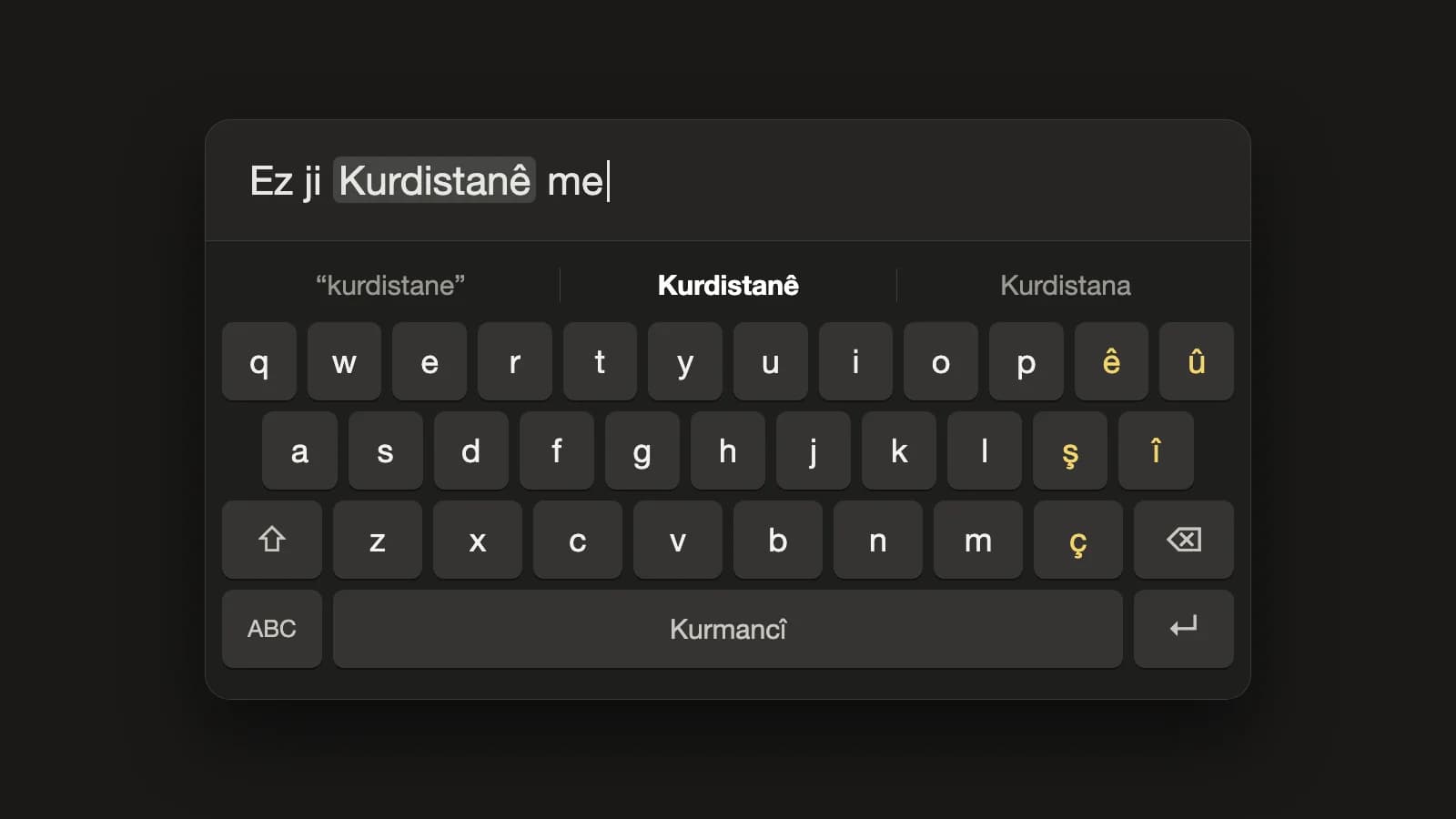
mazdek AI Keyboard: a Kurdish keyboard for iPhone and Android that adds the missing letters for you
A Kurdish system keyboard is now part of the mazdek AI app. Kurmancî, Soranî and Kirmanckî layouts, word suggestions, and autocorrect that turns “kurdistane” into “Kurdistanê” — in WhatsApp, Instagram, Telegram and every other app. Everything runs on the phone; nothing you type leaves it.
- #kurdish-keyboard
- #kurmanci
- #sorani
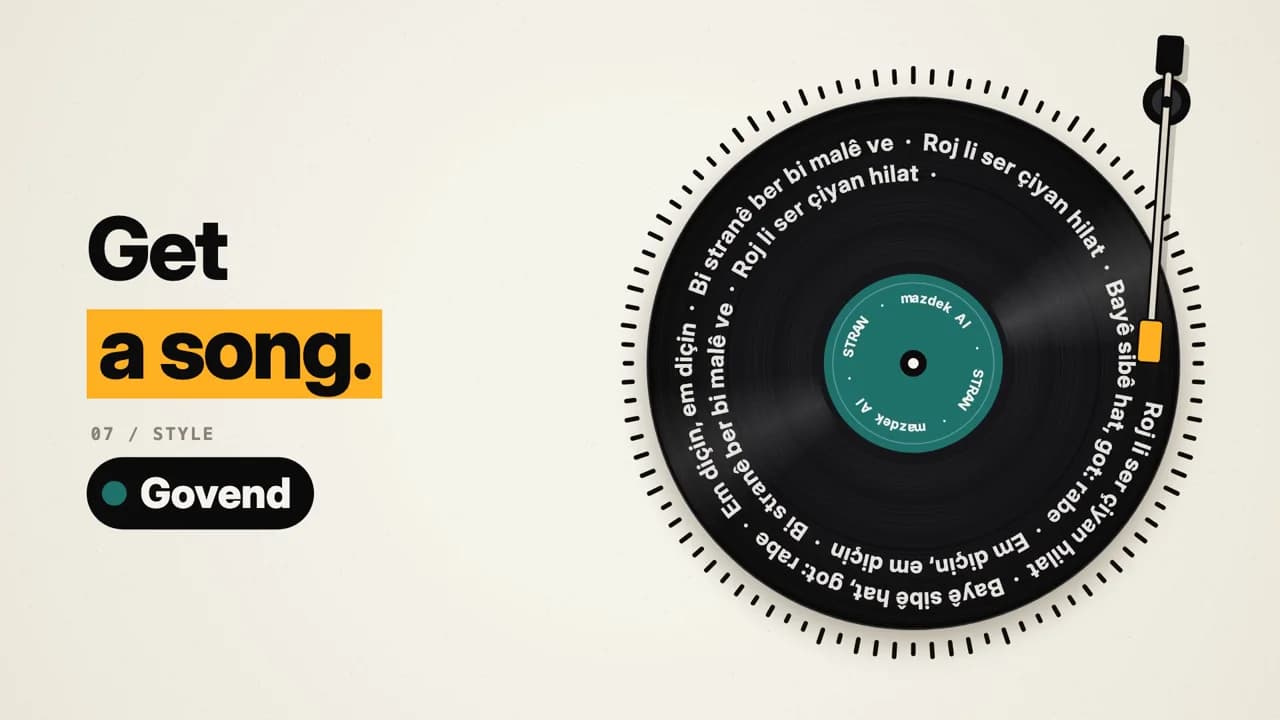
How to Turn Your Lyrics into a Kurdish Song with AI (Dengbêj, Govend, Lorî) in 2026
A practical guide to making a full Kurdish song from your own lyrics: how to structure verses and a chorus, which Kurdish styles to pick — dengbêj, govend, lorî, heyran, saz ballad — what the Standard and Awaza Kurdî modes are for, and what the free and paid plans include.
- #song-generator
- #kurdish-music
- #dengbej
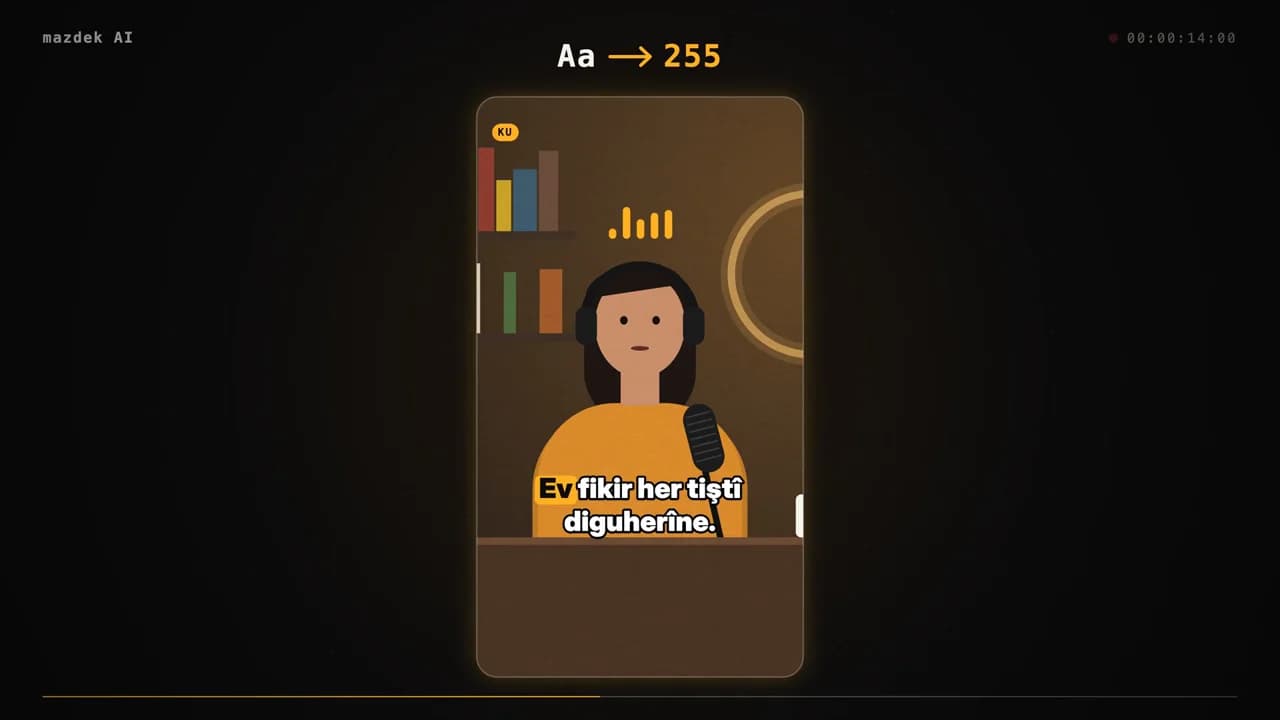
How to Turn a Long Kurdish Video into Short Vertical Clips (TikTok, Reels, Shorts) in 2026
A practical guide to cutting short vertical clips from a long Kurdish interview, podcast or stream: how AI finds the best moments, how Kurmancî and Soranî karaoke captions work, which layouts fit which platform, and what the free and paid plans include.
- #video-clips
- #short-video
- #subtitles