How to Turn a Long Kurdish Video into Short Vertical Clips (TikTok, Reels, Shorts) in 2026
A practical guide to cutting short vertical clips from a long Kurdish interview, podcast or stream: how AI finds the best moments, how Kurmancî and Soranî karaoke captions work, which layouts fit which platform, and what the free and paid plans include.
A one-hour interview, a two-hour podcast, a recorded panel, a live stream — Kurdish media is full of long videos, and the audience is on TikTok, Instagram Reels and YouTube Shorts, where a clip has fifteen to sixty seconds to earn a view. Cutting those clips by hand means scrubbing through the whole recording, guessing where the strong moments are, re-framing a 16:9 picture into 9:16 and typing captions word by word. For Kurdish video it has been even harder, because the mainstream clip tools do not understand Kurmancî or Soranî at all.
This guide shows how to turn a long Kurdish video into short vertical clips with mazdek AI — what the tool does for you, what you still decide yourself, and how to get clips that look like they were made for the platform.
What you can start from
| Source | Works? | Notes |
|---|---|---|
| Video file (MP4, MOV, WebM, MKV) | yes | Drag it in on the web or pick it from your phone; uploads run in the background |
| Public video link (YouTube, X, Facebook, TikTok, Vimeo…) | yes | Paste the link; the video is fetched for you |
| A video shared from another app on your phone | yes | Share into mazdek AI and choose Klîp |
| Audio-only recordings | no | Use Studio for transcription instead; clips need a picture |
Step by step
- Open Clips and add the video. On the web, open Clips in the menu; in the app, the Clips tab. Upload a file or paste a link.
- Let it prepare. In a minute or two the video is ready: a 480p working copy, a thumbnail and the free signal markers — where people speak, where the scene changes, where the energy peaks.
- Find the best moments. On Pro and Max, tap Find the best moments. The video is transcribed with Kurdish speech recognition and the transcript is scored for clip-worthy passages. Each moment comes back with a title, a score and a reason — "a single striking fact", "an emotional payoff", "a clear call to action" — so you can judge it without watching.
- Pick and trim. Click a moment to play exactly that range in a loop. Drag the handles to tighten it; add your own moment from a start and end time if the AI missed something.
- Choose a layout and frame the speaker. Vertical fills the phone screen; Split and Trio stack two or three speakers; Spotlight keeps a wide shot with a close-up; Centered keeps the original aspect on a soft background. Face tracking keeps the person in the frame on every plan; on paid plans the frame follows whoever is speaking.
- Add captions, logo and text. Karaoke captions highlight each word as it is spoken, in Kurmancî and Soranî. Edit the text if a name is misspelled, pick a colour and position, add your logo and a text overlay.
- Render and share. Rendering takes seconds. Download the MP4, post it to Civat, or copy a share link that anyone can open without an account.
What the AI actually does — and does not
The moment finder is not a magic eye. It works on the transcript: a Kurdish speech-recognition pass turns the audio into timed text, and a language model reads that text looking for passages that stand on their own — a complete thought with a hook, a punchline or a strong claim, short enough for a vertical clip. That is why clean speech with one speaker gives the best moments, and why a music-heavy video or a chaotic panel with five people talking over each other gives fewer.
The free signal markers are a different, cheaper layer: no AI, just audio and picture analysis. A speech map shows where someone is actually talking, scene cuts show where the camera changed, energy peaks show applause, laughter or a raised voice. They help you find moments by hand even on the free plan.
Captions are built from the same transcript with word timings, which is what makes the karaoke highlight possible. Translation into other languages runs on mazdek AI's translation engines — Kurdish pairs on the strongest model, the rest on a fast multilingual one.
Layouts that fit the platform
- Vertical5
- Spotlight4
- Split4
- Trio3
- Centered3
Vertical and Spotlight are the safe defaults for talking-head content; Split and Trio for conversations; Centered for footage that must not be cropped (slides, maps, text on screen).
A few habits that make clips perform:
- Start on the hook. Trim the first second until the clip opens mid-sentence on the strongest line.
- Keep it under a minute. The AI scores moments with a 15–60 second window in mind; longer clips lose viewers before the point.
- Captions on, always. Most people watch with the sound off. Karaoke captions carry the message — and for Kurdish, they also make the dialect visible.
- One idea per clip. If a moment has two ideas, make two clips.
Plans and what they include
Two things are metered: the minutes of video you bring in each month and the seconds of clips you render. Both are shown on the Clips page and under Settings › Usage.
| Free | Pro | Max | |
|---|---|---|---|
| Video minutes / month | included | more | much more |
| Rendered clips | watermark | no watermark | no watermark |
| Free signal markers + face tracking | yes | yes | yes |
| AI best moments, captions, speaker tracking | no | yes | yes |
| Logo and text overlay | no | yes | yes |
| Dubbing with the speaker's cloned voice | no | no | yes |
The exact numbers are on the pricing page and change over time; the Clips page always shows your live allowance. Video minutes can continue from credit when the monthly allowance is used up; render seconds are a hard monthly cap.
Privacy and storage
Your video is uploaded straight to private storage and served only through short-lived signed links. Source videos are kept for a limited time (long enough to re-render at full quality), finished clips a little longer, depending on the plan — and you get a notification before anything is deleted. Share links can be removed at any time, and deleting your account deletes the videos with it.
Try it
Open Clips, paste a link to a Kurdish interview you like, and let the moments come to you. The first clip takes a few minutes end to end — most of it waiting for the video to prepare.
Frequently asked questions
- Can I make clips from a YouTube link instead of uploading a file?
- Yes. Paste a public video link and mazdek AI fetches it; the rest of the flow (moments, framing, captions, rendering) is the same as for an uploaded file.
- Does it understand Kurdish speech?
- Kurmancî, Soranî and Kirmanckî run on mazdek AI's own fine-tuned Kurdish speech models; the best-moment selection, captions and search are built on that transcript. Other languages use a multilingual engine.
- Which clip length works best on TikTok, Reels and Shorts?
- Fifteen to sixty seconds. The AI moments are scored with that window in mind; you can trim any moment by hand before rendering.
- Is there a free plan?
- Yes. The free plan includes monthly video minutes and rendered clips with a small watermark, plus free signal markers (speech, scene cuts, energy peaks) and face tracking. AI moments, captions, speaker tracking and dubbing are part of Pro and Max.
- Can I add my own logo and text?
- On Pro and Max you can place your logo and a text overlay on every clip; silence trimming and five layouts (vertical, split, trio, spotlight, centered) are available on every plan.
- Can the clip be dubbed into another language?
- On the Max plan a clip can be dubbed into another language with the speaker's own cloned voice; the captions can be translated into 255 languages on Pro and Max.
- How long are my videos kept?
- Source videos and finished clips are kept for a limited time that depends on your plan — a few days on the free plan, longer on paid plans. Download the clips you want to keep; a warning notification arrives before deletion.
Related articles
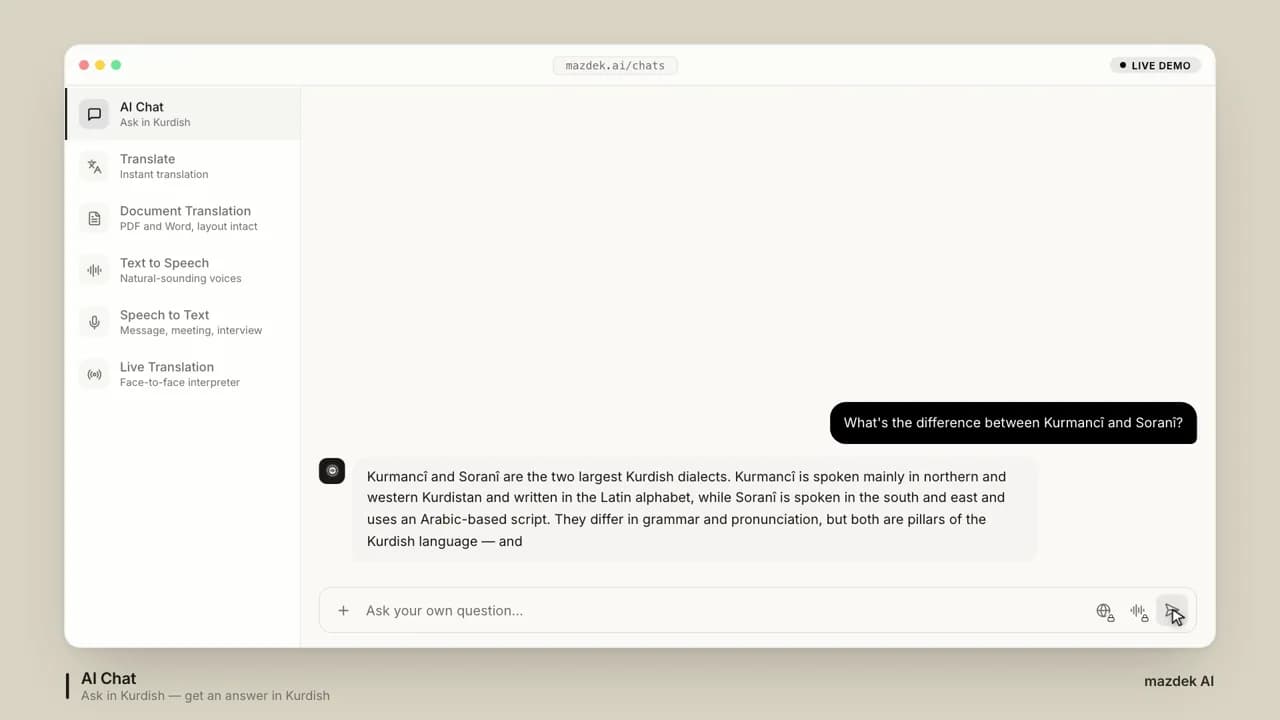
mazdek AI, Explained: Every Feature of the Kurdish Language Platform (2026 Guide)
One account, seven tools for Kurdish: an AI assistant, translation across 255 languages, document OCR, natural voices, transcription, a live interpreter and a daily news brief — what each one does, who it is for, and what the plans include.
- #mazdek-ai
- #guide
- #kurmanci
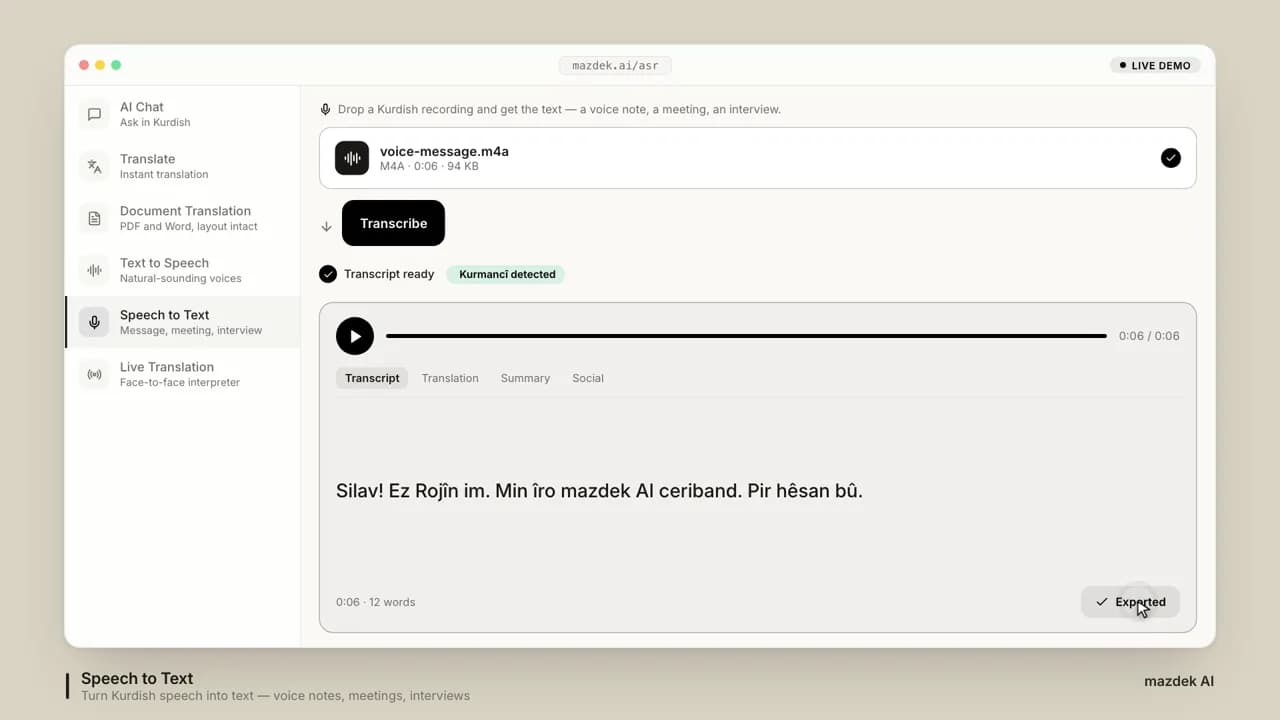
How to Turn Kurdish Audio and Video into Text (and Subtitles) in 2026
A step-by-step guide for turning Kurdish voice messages, interviews, lectures and videos into accurate text, subtitles and translations — which dialect to pick, what the plans allow, and how to get clean results from noisy recordings.
- #speech-to-text
- #transcription
- #subtitles
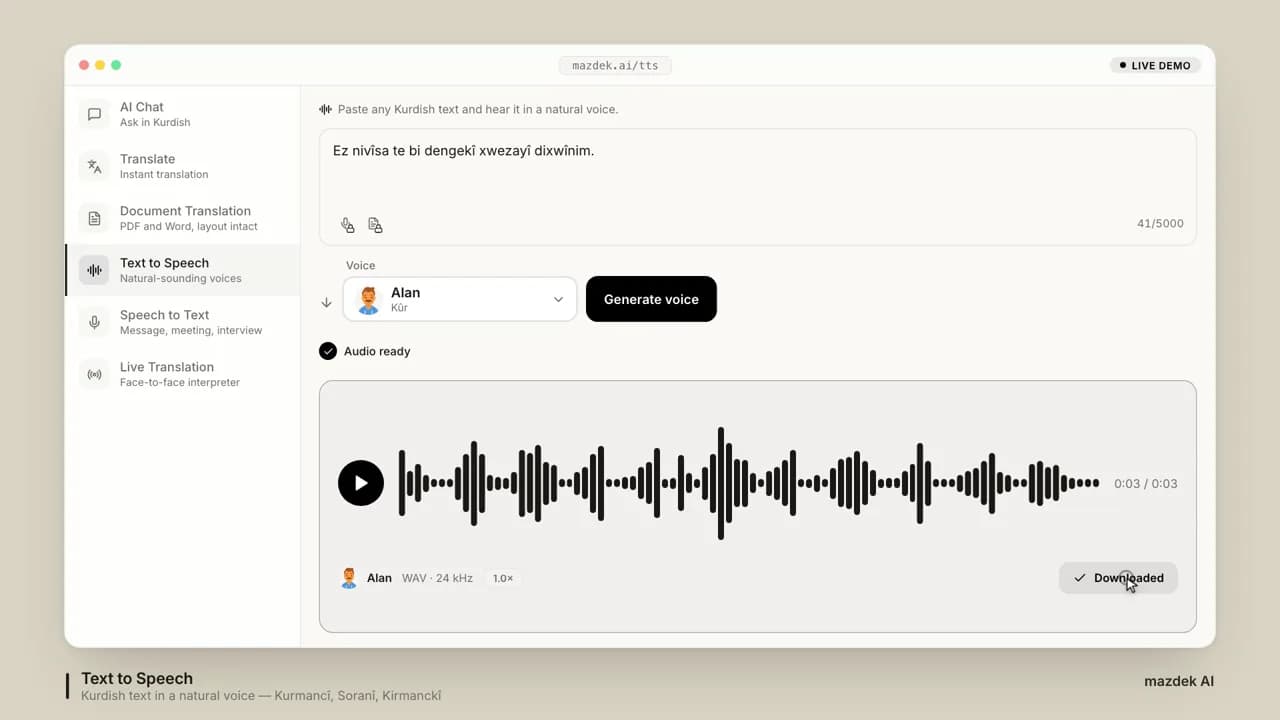
Kurdish Text-to-Speech in 2026: Dialects, Voices, Pricing and How to Choose
A practical guide to Kurdish text-to-speech in 2026: how Kurmancî, Soranî and Kirmanckî voices are built, how much audio a plan really gives you, and a 7-point test to run before you choose a tool.
- #kurdish-tts
- #text-to-speech
- #kurmanci