How to Turn Kurdish Audio and Video into Text (and Subtitles) in 2026
A step-by-step guide for turning Kurdish voice messages, interviews, lectures and videos into accurate text, subtitles and translations — which dialect to pick, what the plans allow, and how to get clean results from noisy recordings.
A voice message from a relative, a two-hour interview for your thesis, a lecture you recorded on your phone, a television clip you want to subtitle — sooner or later everyone with Kurdish audio needs it as text. For years that meant typing it out by hand, because the mainstream transcription tools did not understand Kurdish at all.
In 2026 that is solved. This guide shows, step by step, how to turn Kurdish audio and video into accurate text, subtitles and translations with mazdek AI — and how to get good results even from noisy recordings.
What you can transcribe
| Source | Typical file | Works? | Best for |
|---|---|---|---|
| Voice messages (WhatsApp, Telegram, Signal) | .ogg, .m4a, .mp3 | yes | Family messages, quick notes |
| Phone recordings and voice memos | .m4a, .wav, .mp3 | yes | Interviews, meetings, lectures |
| Video files | .mp4, .mov, .mkv, .avi, .wmv | yesaudio track is extracted | Subtitles, archives |
| Public video links | paste the URL | yes | News clips, talks, programmes |
| Live speech in the app | record directly | yes | Notes, dictation |
| Music-only files | no | no | Nothing to transcribe |
Accepted audio formats: MP3, WAV, M4A, OGG, FLAC, AAC, WMA and WebM. Files can be up to 500 MB.
Step by step
- Open Studio. On the web, sign in and open Studio; on iOS or Android, open the Studio tab. You can also share an audio file from another app straight into mazdek AI.
- Add your recording. Drag a file in, pick one from your phone, paste a public video link, or press the microphone to record on the spot.
- Choose the language. Pick Kurmancî, Soranî or Kirmanckî — each has its own trained model, so choosing the right dialect matters more than anything else. For other languages, choose them from the list (about 90 are supported).
- Start. Processing runs in the background; a ten-minute recording is usually ready in a minute or two. You can leave the page.
- Read and correct. The transcript opens with the audio: click any sentence to hear that exact moment, fix a name or a word inline, and the change is saved.
- Translate if you need to. One click translates the transcript into any of 255 languages while keeping the original next to it.
- Export or share. Download as TXT, DOCX, SRT, VTT or JSON, copy the text, or share a read-only link with someone who has no account.
Which plan do you need?
Transcription is metered in minutes of audio, with a cap per file and a monthly total.
- Free10 min
- Pro $19.99240 min
- Max $79.99900 min
Monthly speech-to-text allowance per plan. Every plan includes the same models and features; only the minutes differ.
- Free3 min
- Pro $19.9990 min
- Max $79.99180 min
Per-file cap. A longer recording can be split into parts; the monthly total still applies.
| If you… | Plan |
|---|---|
| Transcribe the odd voice message or short note | Free — 10 minutes a month, 3 minutes per file |
| Record interviews, lessons or meetings every week | Pro — 4 hours a month, files up to 90 minutes |
| Subtitle programmes or work through an archive | Max — 15 hours a month, files up to 3 hours |
| Need more, an API or a data-processing agreement | Enterprise — talk to us |
Every plan also includes Kurdish text-to-speech, translation, the AI assistant and document OCR, so the transcript you just made can be translated, summarised or read aloud without leaving the app.
Getting clean text from messy audio
Kurdish recordings are rarely studio quality — a kitchen table, a car, a wedding, a decades-old TV tape. Three things happen automatically before transcription:
- Music and background voices are separated out, so a song under an interview does not turn into random words.
- Noise is reduced — traffic, wind, the hum of a fridge.
- The recording is cut at natural pauses and each part is transcribed on its own, which stops the model from skipping whole sentences in long, noisy files.
After transcription, Kurdish text goes through a spelling and grammar pass, so Hewlêr, Qamişlo and Amed come out with the right letters and the sentences read naturally.
What you can do on your side:
| Problem | What to do |
|---|---|
| Several people talking over each other | Record closer to the main speaker; transcribe short sections |
| Very quiet recording | Do nothing special — the level is normalised automatically |
| Mixed Kurdish and Turkish/Arabic in one file | Choose the dialect that dominates; correct the rest inline |
| A 3-hour recording on the free plan | Split it (any phone editor can) or start a Pro trial |
| Names spelled wrong | Fix once inline; the corrected text is what you export |
Subtitles for Kurdish video
Subtitles are the most common reason people transcribe video. The workflow is the same — upload the video or paste the link, choose the dialect, correct — then export SRT (for YouTube, Premiere, DaVinci, CapCut) or VTT (for web players). Timings come from the transcription itself, so every line lands where it was spoken. If you also need a translated track, translate first and export both.
What people use it for
- Families in the diaspora — voice messages from parents and grandparents, transcribed and translated so the younger generation can follow.
- Journalists and researchers — interviews and oral histories in Kurmancî and Soranî, searchable and quotable.
- Students and teachers — lectures and lessons turned into notes; Kurdish-language courses subtitled.
- Media and archives — decades of television and radio made searchable; we have transcribed tens of thousands of hours of Kurdish broadcast this way.
- Translators and lawyers — accurate source text before a human translation.
Try it
See a Kurdish transcription happen on the mazdek AI demo page without creating an account, then sign up for the free plan and transcribe 10 minutes a month of your own recordings in Kurmancî, Soranî or Kirmanckî. The same account works on the web, iOS and Android.
Frequently asked questions
- Can I transcribe a WhatsApp voice message in Kurdish?
- Yes. Save or forward the voice note (it is usually an .ogg or .m4a file), upload it to Studio on the web or share it into the mazdek AI app, choose the dialect, and the text appears in under a minute for a short message.
- Which Kurdish dialects can be transcribed?
- Kurmancî (Latin script), Soranî (Arabic script) and Kirmanckî/Zazakî. Each Kurdish dialect has its own trained model; Kirmanckî uses the Kurmancî-trained model. Around 90 other languages are supported as well.
- How long can my recording be?
- Up to 3 minutes per file on the free plan, 90 minutes on Pro and 180 minutes on Max, with a monthly total of 10, 240 and 900 minutes respectively. Files can be up to 500 MB.
- Does it work with video files and links?
- Yes. Upload MP4, MOV, MKV, AVI or WMV directly, or paste a public video link; the audio track is extracted automatically and the result can be exported as SRT or VTT subtitles.
- How accurate is it?
- On clear speech with one speaker, Kurdish results are usually ready to use after a quick read-through; the Kurdish models also apply a grammar and spelling pass after transcription. Background noise, music and several people talking at once lower accuracy, which is why the pipeline removes music and noise before transcribing.
- Can I translate the transcript?
- Yes. After transcription you can translate the text into any of 255 languages and export the translation alongside the original, including as subtitles.
- Is my recording private?
- Recordings are processed for your account only, stored in a private bucket and served through short-lived signed links. mazdek AI is operated by a Swiss company under GDPR, and you can delete your files and account at any time.
Related articles
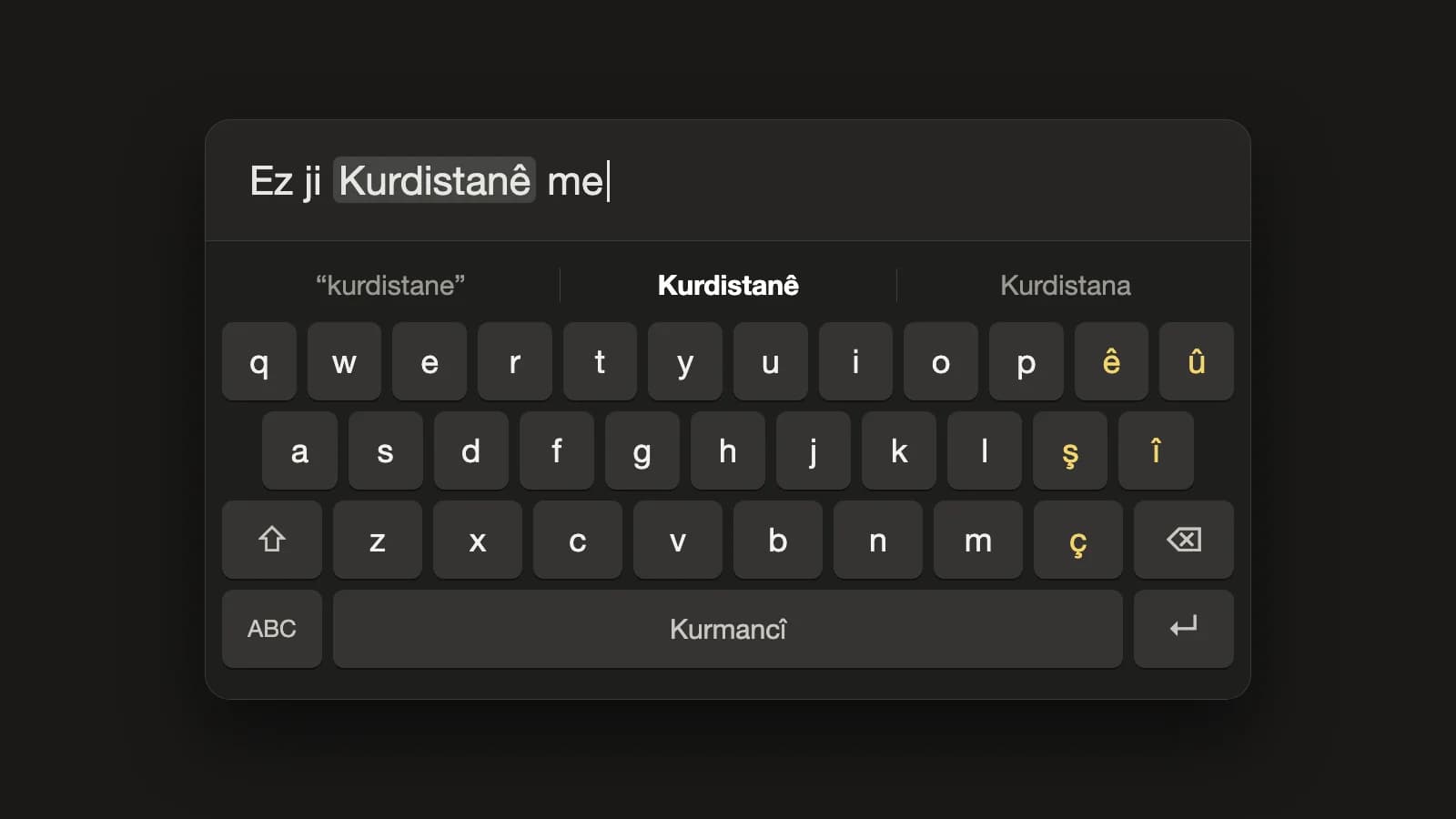
mazdek AI Keyboard: a Kurdish keyboard for iPhone and Android that adds the missing letters for you
A Kurdish system keyboard is now part of the mazdek AI app. Kurmancî, Soranî and Kirmanckî layouts, word suggestions, and autocorrect that turns “kurdistane” into “Kurdistanê” — in WhatsApp, Instagram, Telegram and every other app. Everything runs on the phone; nothing you type leaves it.
- #kurdish-keyboard
- #kurmanci
- #sorani
How to Turn Your Lyrics into a Kurdish Song with AI (Dengbêj, Govend, Lorî) in 2026
A practical guide to making a full Kurdish song from your own lyrics: how to structure verses and a chorus, which Kurdish styles to pick — dengbêj, govend, lorî, heyran, saz ballad — what the Standard and Awaza Kurdî modes are for, and what the free and paid plans include.
- #song-generator
- #kurdish-music
- #dengbej
How to Turn a Long Kurdish Video into Short Vertical Clips (TikTok, Reels, Shorts) in 2026
A practical guide to cutting short vertical clips from a long Kurdish interview, podcast or stream: how AI finds the best moments, how Kurmancî and Soranî karaoke captions work, which layouts fit which platform, and what the free and paid plans include.
- #video-clips
- #short-video
- #subtitles